WORKOUT TRACKING + COACHING
One place for every workout.
Easy workout tracking for anyone. Complete programming for coaches.
iOS app in preparation
02 · MNTM· In the workout
Log the set. Keep the workout moving.
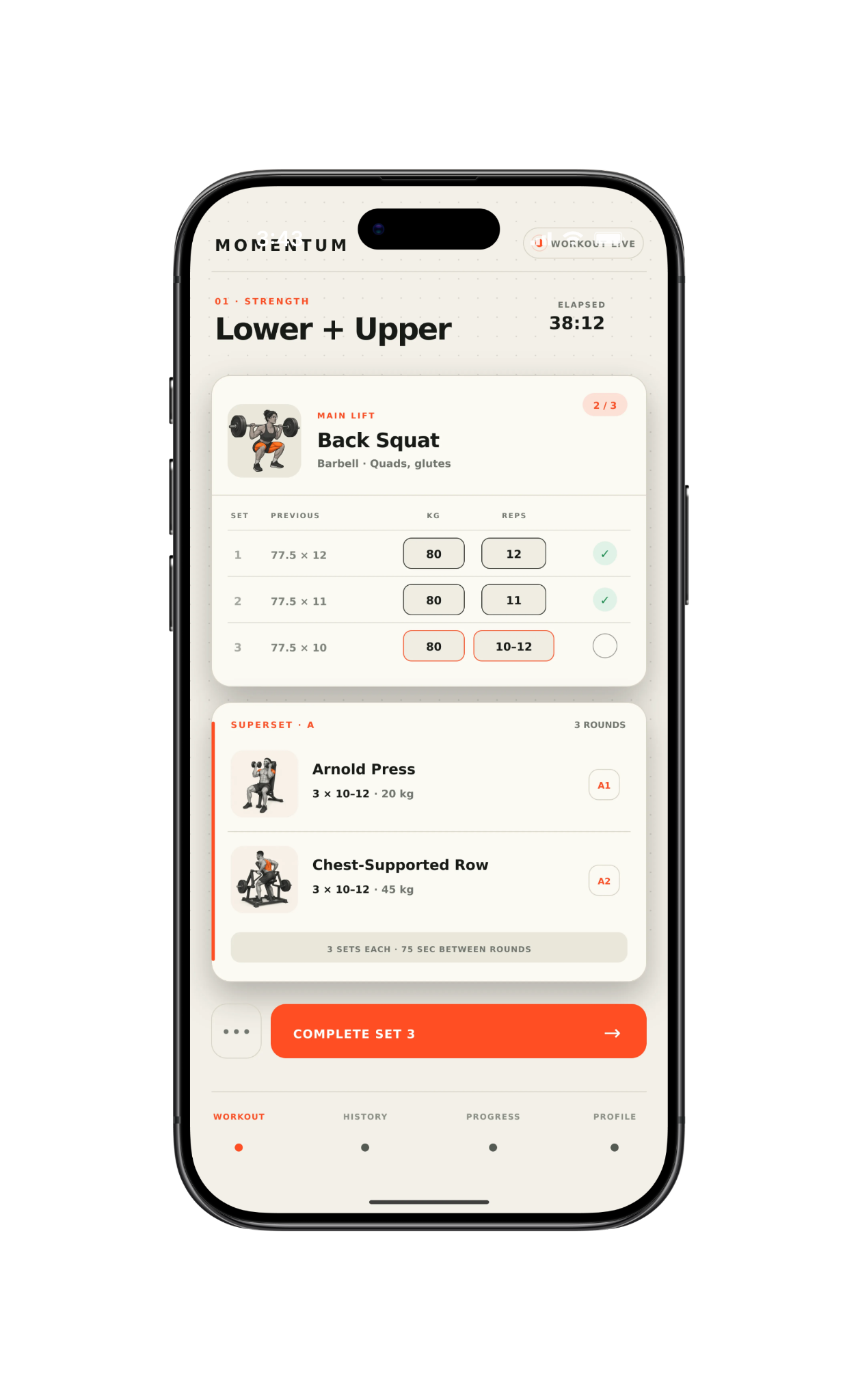
Your target, previous performance, current inputs, and rest timer stay together—whether the program is yours or your coach’s.
- See last time
- Previous weight and reps stay beside the current set.
- Complete in one tap
- Finish the set and start the rest timer automatically.
- Keep training offline
- Every set saves locally and syncs when you’re connected.
03 · MNTM· Coaching
Program the whole roster—without rebuilding every week.
Build complete training blocks, personalize them for each athlete, and adjust what comes next. Completed sessions stay exactly as they were logged.
- Program in detail
- Build weeks, days, supersets, RPE or RIR targets, and coaching notes.
- Personalize at scale
- Start from a template, change only what each athlete needs, and assign without rebuilding.
- Coach the floor live
- Run concurrent client sessions while every athlete’s sets, timers, and training history remain separate.
BuildAssignTrainReviewAdjust
Upcoming work changes. Completed history doesn’t.
04 · MNTM· Spreadsheet import
Bring the spreadsheet. Keep the structure.
Upload an Excel or CSV file, or paste a public Google Sheets link. MNTM maps weeks, days, exercises, sets, targets, and notes before anything is saved.
- Preview first
- Compare the source with MNTM’s proposed structure before creating a program.
- Fix what’s uncertain
- Review unmatched exercises and correct mappings without restarting the import.
- Roll back safely
- Undo the entire import if the result isn’t what you expected.
Ready for your next workout.
Track your own training or run your entire roster in one connected system.